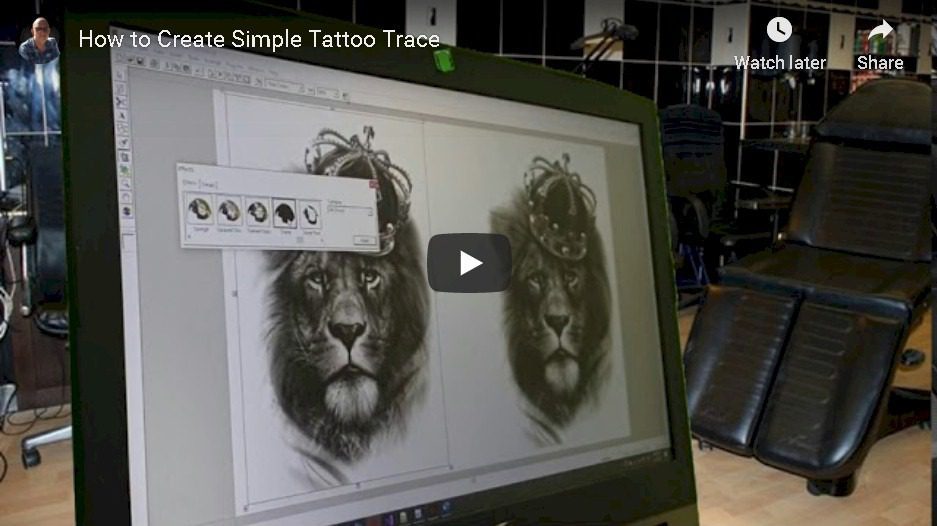
Tattoo Design Software
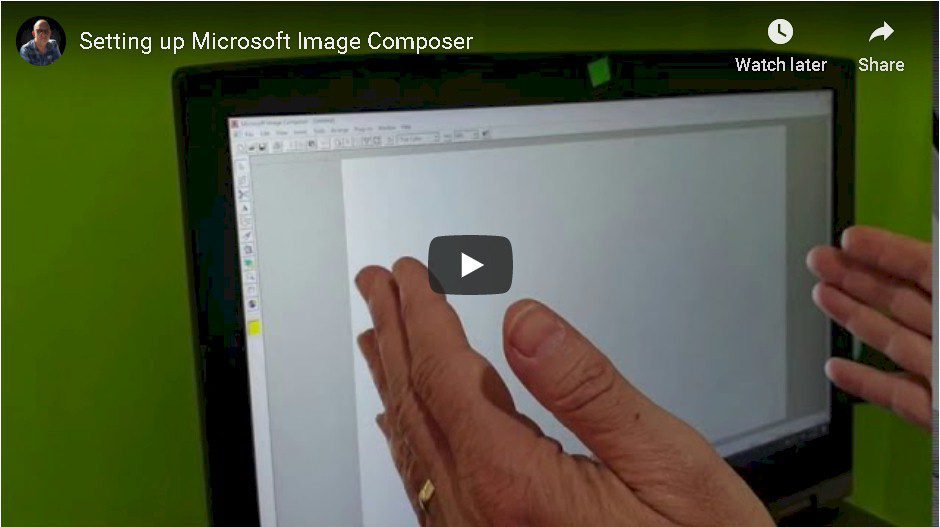
This page preserves a Skinart tutorial showing Microsoft Image Composer in an earlier design workflow. Use it to observe how a design is assembled and revised. The recording is not a promise that this software is supplied with a current course or will work on your device.

Focus on the design decisions
While watching, note how separate elements are arranged, resized and compared. Those questions are useful when practising in a drawing application you already know: what is the focal point, what needs more space, and which revision makes the idea clearer?
Keep an editable version
For a practice project, start with your own drawing or reference material you have permission to use. Keep an editable working file, then export a separate image for review. Save significant revisions with clear names so you can compare them without losing your starting point.
Check your course requirements first
Before buying or installing software for a course, ask the Skinart team what is currently required, what is included and whether the workflow suits your computer or tablet. An older tutorial is useful context, but it does not establish current software availability, compatibility or licensing.
Try a short comparison exercise
Create two arrangements of the same design elements. Present both at the same size and write a sentence explaining the difference. Ask for feedback on the composition rather than on how quickly you completed it. Keep the chosen version and your notes in your practice record.
Continue your design study
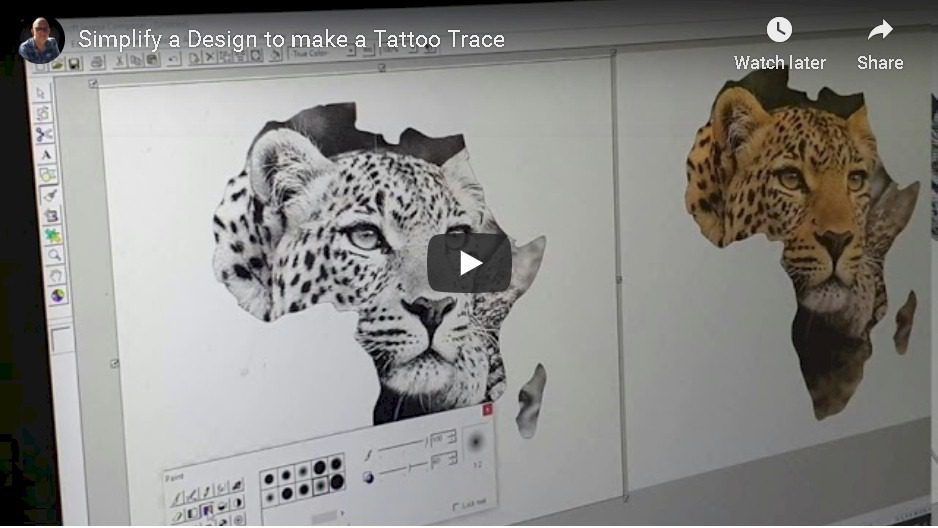
Explore simplifying a design and creating a paper trace. For structured learning, compare the tattoo curriculum with the current South African online tattoo course.
Other Design & Trace Videos
Tattoo Value System

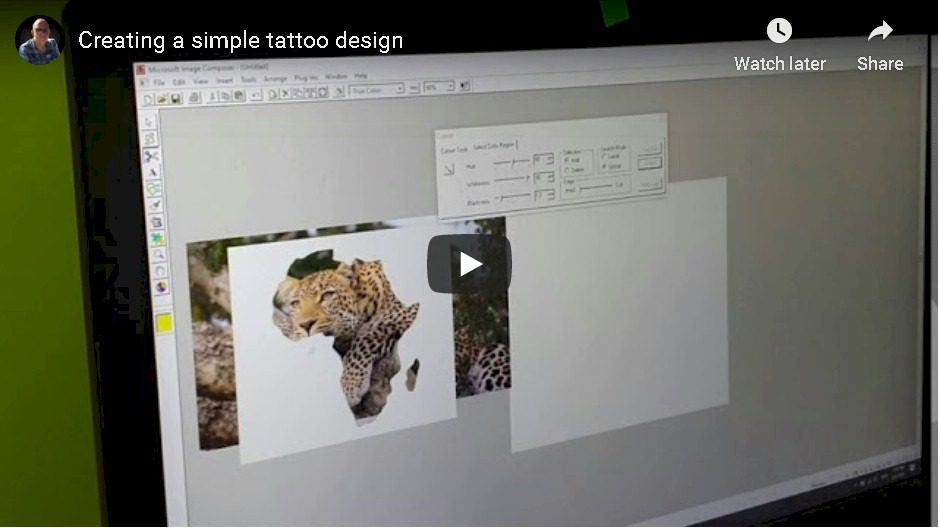
Create a simple design
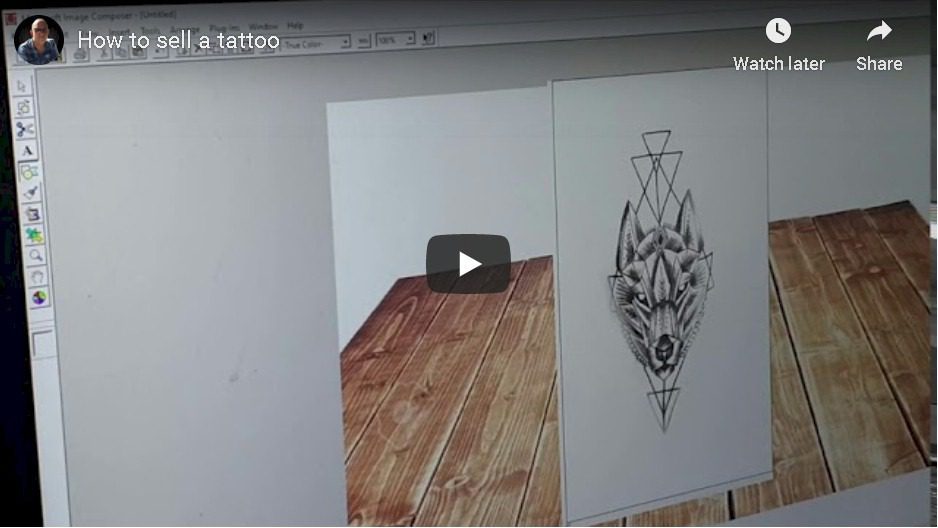
How to sell a tattoo
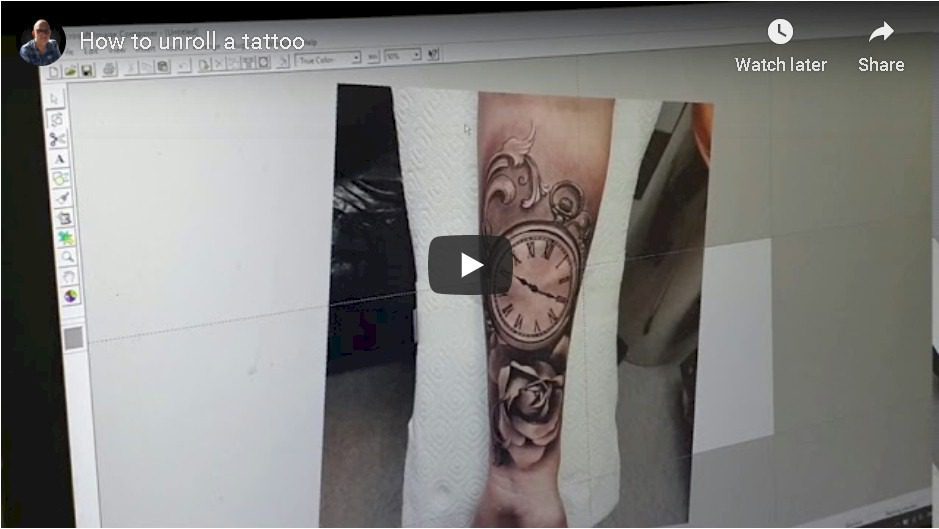
How to unroll a tattoo
How to simplify a design
Create Simple Trace